Rancher 2 Hetzner Cloud UI Driver
[!WARNING]
⚠️ Deprecated — please migrate to a v3 UI Extension
This project is deprecated, no longer maintained, and does not work on current Rancher.
Why it no longer works
This driver ships its UI as a compiled Ember
component.jsthat Rancher loaded through the legacy “Custom UI URL” node-driver field. Rancher replaced its Ember dashboard with a Vue 3 dashboard and moved all node-driver UIs to the new Rancher UI Extensions (v3) framework. The old “Custom UI URL” injection point no longer renders these Ember bundles.Tested on Rancher v2.14.2: the driver binary still registers and “Hetzner” still appears in the cluster-creation grid, but selecting it shows a generic key/value credential editor instead of this driver’s custom form — so the bespoke UI is effectively dead. It also never supported RKE2/K3s provisioning (see #137, #145, #132).
Since when / use this instead
The Vue dashboard became Rancher’s default in 2.6 and the legacy Ember UI was phased out through 2.6/2.7; the v3 UI Extensions framework is the supported model from Rancher 2.9/2.10 onward.
➡️ Use
bluquist/rancher-node-driver-hetzner— an actively maintained Rancher v3 UI Extension (Vue 3, built on the officialrancher/ui-plugin-examplesnode-driver pattern), requires Rancher ≥ 2.10, supports RKE2/K3s, and handles the API token more securely (it proxies calls through Rancher’s credential store instead of sending the raw token from your browser).Install it via Extensions → Manage Repositories (add
https://bluquist.github.io/rancher-node-driver-hetzner/), then apply its NodeDriver YAML (per its README — add it via YAML, not the UI). It pairs with the maintained driver-binary forkbluquist/docker-machine-driver-hetzner.The instructions below are retained for historical reference (Rancher ≤ 2.5).

Rancher 2.X UI driver for the Hetzner Cloud. For the Rancher 1 version check out the readme from the v1.6 branch which you can find here.
Usage
- Add a Machine Driver in Rancher 2 (
Cluster Management->Drivers->Node Drivers)
| Key | Value |
|---|---|
| Download URL | https://github.com/JonasProgrammer/docker-machine-driver-hetzner/releases/download/3.3.0/docker-machine-driver-hetzner_3.3.0_linux_amd64.tar.gz |
| Custom UI URL | https://storage.googleapis.com/hcloud-rancher-v2-ui-driver/component.js |
| Whitelist Domains | storage.googleapis.com |
- Wait for the driver to become “Active”
- Go to Clusters -> Add Cluster, your driver and custom UI should show up.
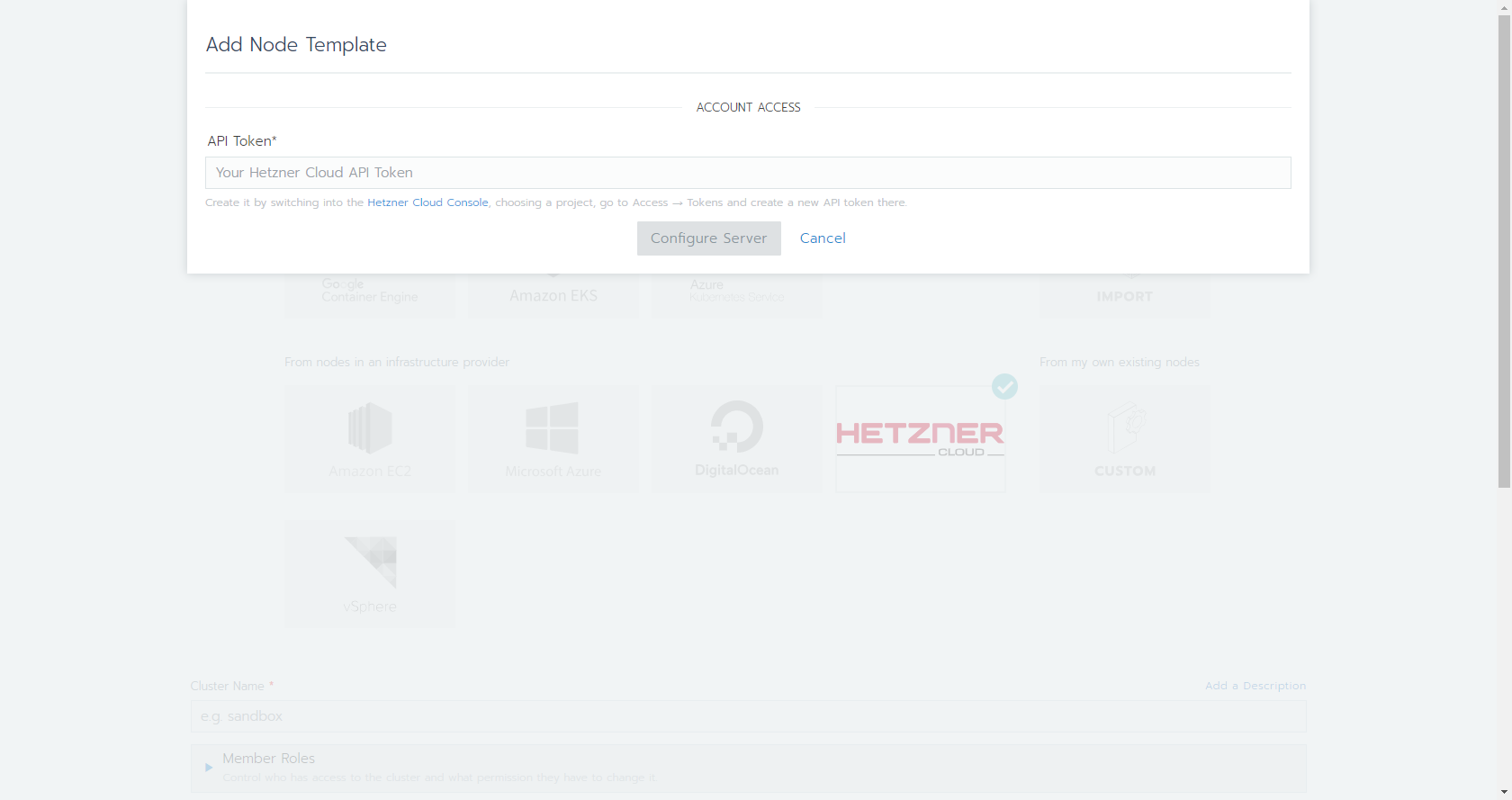
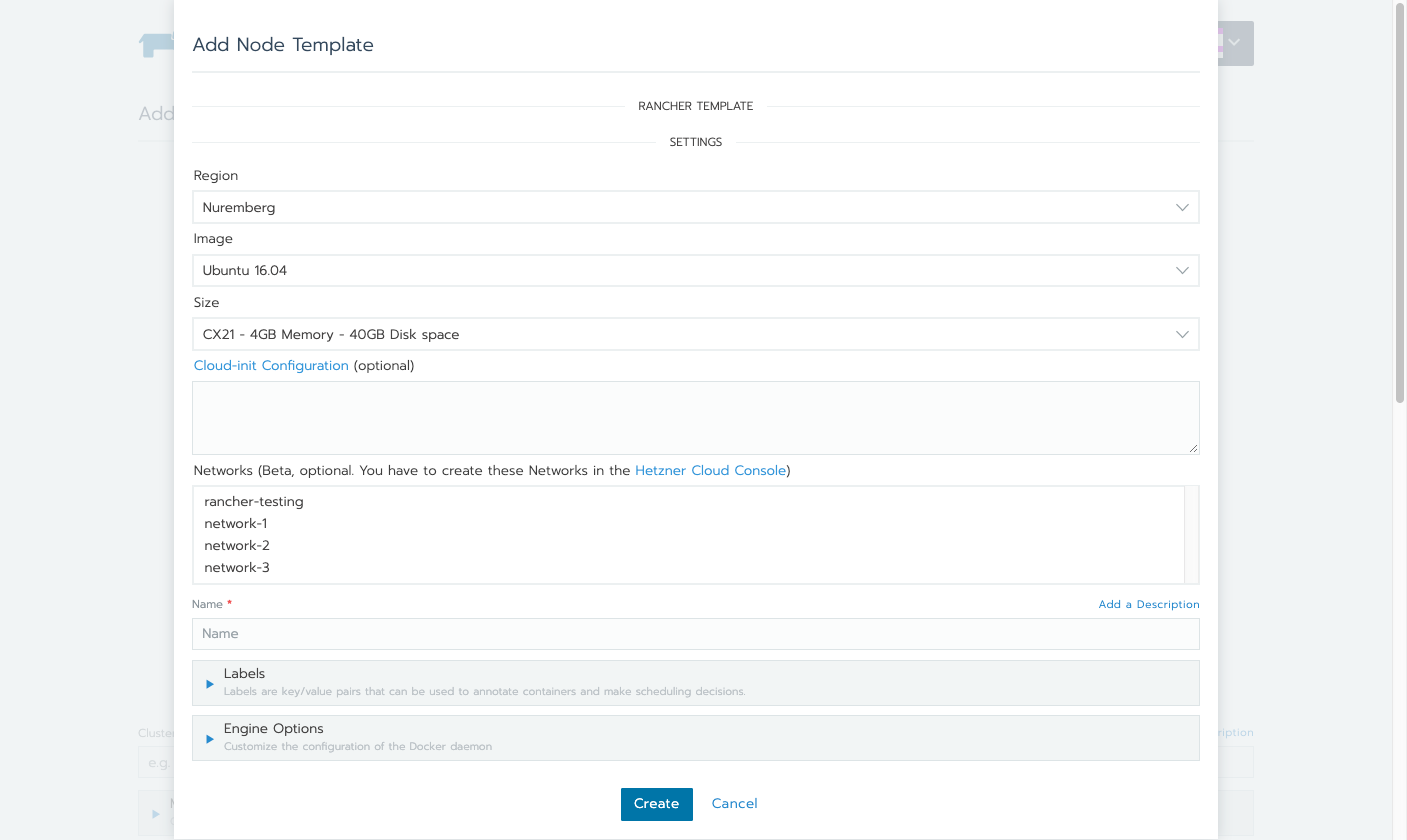
Compatibility
The following component.js is always compatible with the latest Rancher 2.X version:
https://storage.googleapis.com/hcloud-rancher-v2-ui-driver/component.js
Rancher 2.0
Use this component.js to support Rancher 2.0 version:
https://storage.googleapis.com/hcloud-rancher-v2-ui-driver/component-v20.js
Tested linux distributions
To use Debian e.g. with a non default Storage Driver, you have to set it manually in the Engine Options of the Node Template in Rancher.
Recommend
| Image | Docker Version | Docker Storage Driver |
|---|---|---|
| Ubuntu 18.04 | 18.06 | overlay2 (default) |
| Ubuntu 16.04 | 18.06 | aufs (default) |
| Debian 9 | 18.06 | overlay2, overlay |
| CentOS 7 | 18.06 | devicemapper (default) |
| Fedora 27 | not supported (due docker-install) | |
| Fedora 28 | not supported (due docker-install) |
Development
This package contains a small web-server that will serve up the custom driver UI at http://localhost:3000/component.js. You can run this while developing and point the Rancher settings there.
npm start- The driver name can be optionally overridden:
npm start -- --name=DRIVERNAME - The compiled files are viewable at http://localhost:3000.
- Note: The development server does not currently automatically restart when files are changed.
Building
For other users to see your driver, you need to build it and host the output on a server accessible from their browsers.
npm run build- Copy the contents of the
distdirectory onto a webserver.- If your Rancher is configured to use HA or SSL, the server must also be available via HTTPS.
Useful resources
Error creating machine: Error running provisioning: ssh command error:
Try to use overlay2 and if it does not work overlay as Storage Driver in the Engine Options in the bottom.
How secure is the Private Network feature?
Traffic between Cloud Servers inside a Network is private and isolated, but not automatically encrypted. We recommend you use TLS or similar protocols to encrypt sensitive traffic.
Reference: Hetzner Cloud documentation
The Rancher traffic between the agents and the Rancher related traffic to the nodes is fully encrypted over HTTPS/TLS.
The custom application specific traffic is not encrypted. You can use e.g. the Weave CNI-Provider for that: https://rancher.com/docs/rancher/v2.x/en/faq/networking/cni-providers/#weave
Requirements for Private Networks
- Rancher host needs to be in the same Private Network as the selected one in the Node template
- Under the global settings of Rancher the
server-urlneeds to be the internal IP of the Private Network (you can find it in the Hetzner Cloud Console). Otherwise the traffic won’t go through the Internal network.
How to close the open ports on the public interface?
You could use it e.g. in combination with that tool: https://github.com/vitobotta/hetzner-cloud-init